
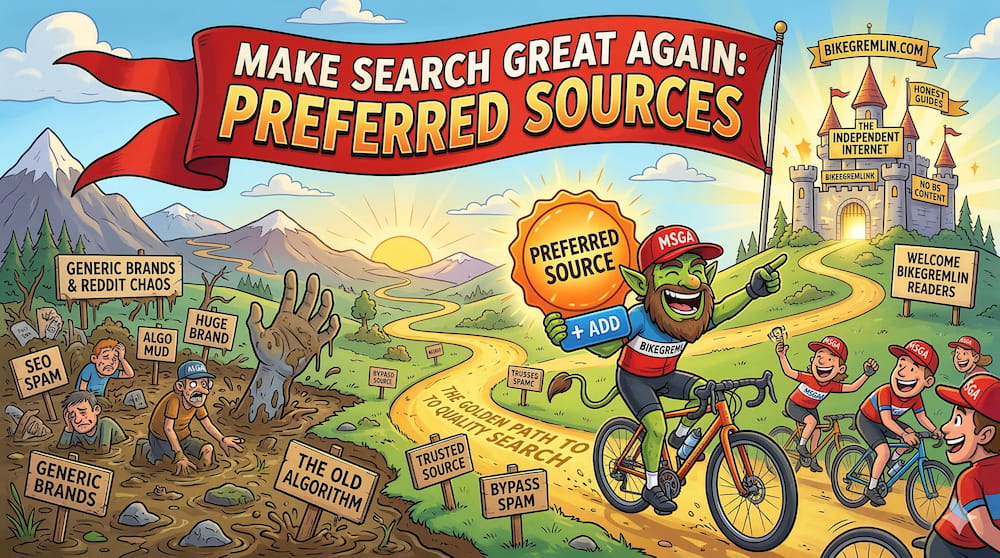
I already wrote how Google closed the Internet for the independent sites like mine: What killed the open Internet? Now, in early 2026, Google introduces a local bandaid that might help some individuals – in the form of “Google Preferred Sources.” Here’s how I’ve implemented it on this very website.
What on Earth is the Google Preferred Sources?
In short: it is a “whitelist” for your search results. Think of it as a “Follow/Subscribe” button that works directly inside Google search. By adding a website as a Preferred Source, you are explicitly telling Google: “I trust this specific website; if there is a page on that site that matches/answers my search terms, please show it in the search results (instead of just giving me huge brands and Reddit).”
Here’s what happens when you “follow” a *site this way:
- Priority placement: matching search results from that website are prioritised in the “Top Stories” carousel and general search results.
- “From your sources” section: Google creates a dedicated space for updates from your hand-picked sites, ensuring they aren’t buried under AI summaries or generic “content farm” results.
- User control: it shifts the power back to you. Instead of letting a black-box algorithm guess what you want to read, you choose the sources you actually find useful.
*Technically, the “target” is the designated subdomain, like io.bikegremlin.com, bike.bikegremlin.com, bikegremlin.net (naked domain in that case) etc.
How to implement it?
It’s done using a link with a query parameter. An example for the Bike Gremlin I/O:
https://www.google.com/preferences/source?q=io.bikegremlin.com
User/visitor must be logged into their Google account for this to work!
Here is the custom code I used to make it look nicer on my websites (some HTML with inline CSS):
<div style="display: flex; align-items: center; flex-wrap: wrap; border: 1px solid #575760; border-radius: 8px; padding: 10px 16px; background: #213342; font-family: -apple-system, BlinkMacSystemFont, 'Segoe UI', Roboto, Helvetica, Arial, sans-serif; box-shadow: 0 4px 6px rgba(0,0,0,0.2); max-width: 100%; width: fit-content; gap: 12px;">
    <div style="display: flex; align-items: center; flex: 1; min-width: 200px;">
        <img src="https://www.google.com/favicon.ico" alt="Google" style="width: 20px; height: 20px; margin-right: 12px; border-radius: 2px; background: #ffffff; padding: 1px; flex-shrink: 0;">
        <span style="font-size: 16px; font-weight: 700; color: #f0f0f0; line-height: 1.2;">Add BikeGremlin as a preferred source on Google</span>
    </div>
    <div style="display: flex; align-items: center; border-left: 2px solid #575760; padding-left: 16px; margin-left: auto; height: 24px;">
        <a href="https://www.google.com/preferences/source?q=io.bikegremlin.com"
           target="_blank"
           rel="noopener"
           aria-label="Add BikeGremlin to Google Preferred Sources"
           style="color: #ff8c42; text-decoration: none; font-size: 16px; font-weight: 800; white-space: nowrap; line-height: 1;">+ Add</a>
    </div>
</div>Code language: HTML, XML (xml)
Just as important: you can manage or remove your sources at any time via your Google Search settings under “Search personalization” options:
https://myactivity.google.com/search-personalization?pli=1
Last updated:
Originally published:
