My Wordpress stack
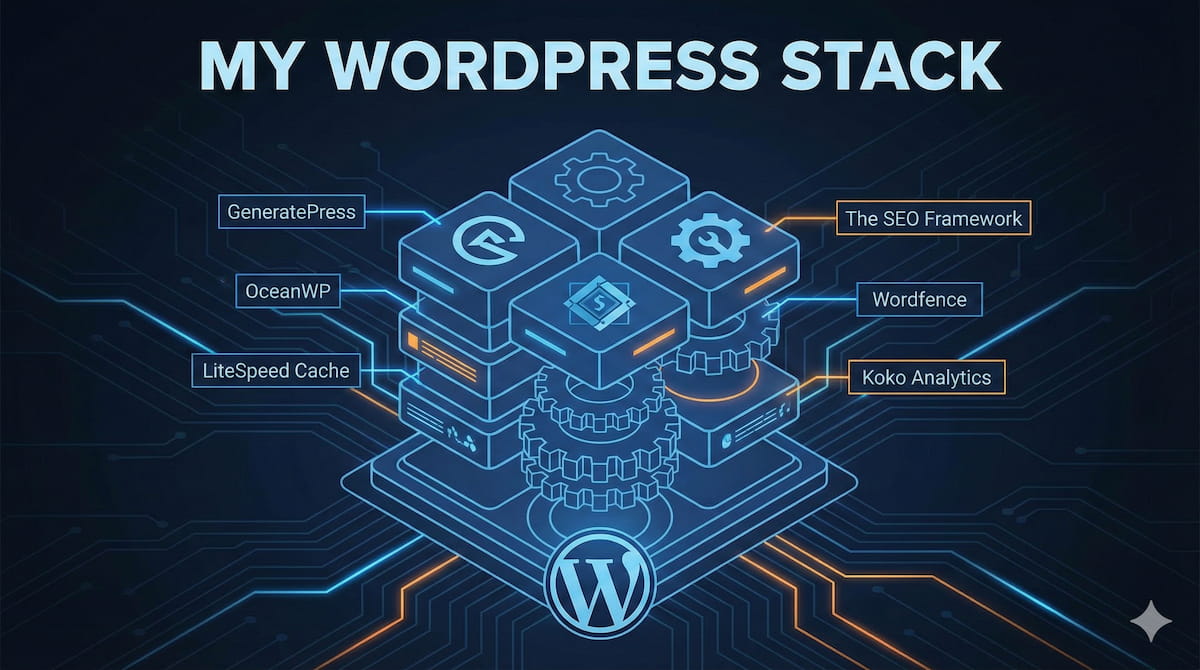
My WordPress stack: A curated list of the themes and plugins I actually use and pay for. Reliable, high-performance tools for building better websites.

WordPress-related articles – design, themes, plugins, etc.
My WordPress stack: A curated list of the themes and plugins I actually use and pay for. Reliable, high-performance tools for building better websites.

Wordpress claims to be free and open-source, but it’s built to push users into paid plugins and hosting. Core features like backups, and migrations are missing!
A critical analysis of the FAIR project in Wordpress: who’s behind it, and what the “decentralization” really means (probably no good guys – just power play).

WordPress drama and its expected consequences discussed.
How to implement a visible article progress bar (horizontal scroll bar) on a WordPress website without using any extra plugins.
How can I make my WordPress site show a certain “html lang=” tag without changing the frontend language (i.e. menus, buttons, and other stuff)? So, I’m not talking about picking a different language for the back-end user (or admin for that matter) – but about changing the language code shown in the page’s source.
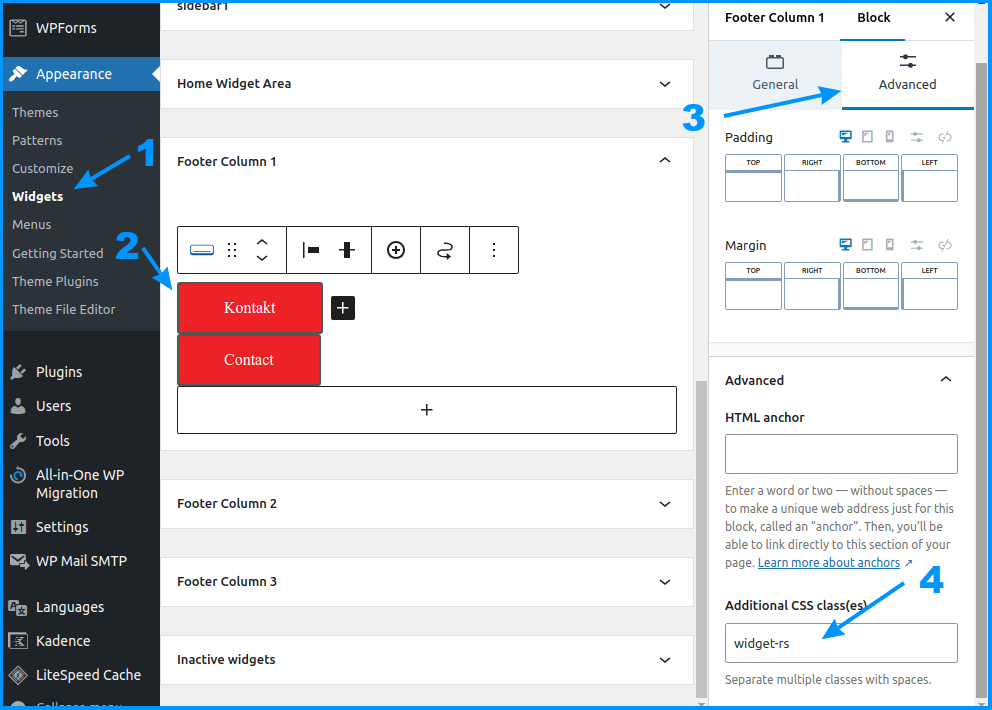
How to configure widgets to work on a per-language basis via the free Polylang WordPress language plugin? Step-by-step instructions.
My notes (checklist) on stuff I do when building a new WordPress website. Intended for my own use, but if it helps anyone else – cool.

How to optimise your WordPress database for improved performance and stability

How to add or edit image/media alt descriptions on a WordPress website. A short and simple step-by-step tutorial.
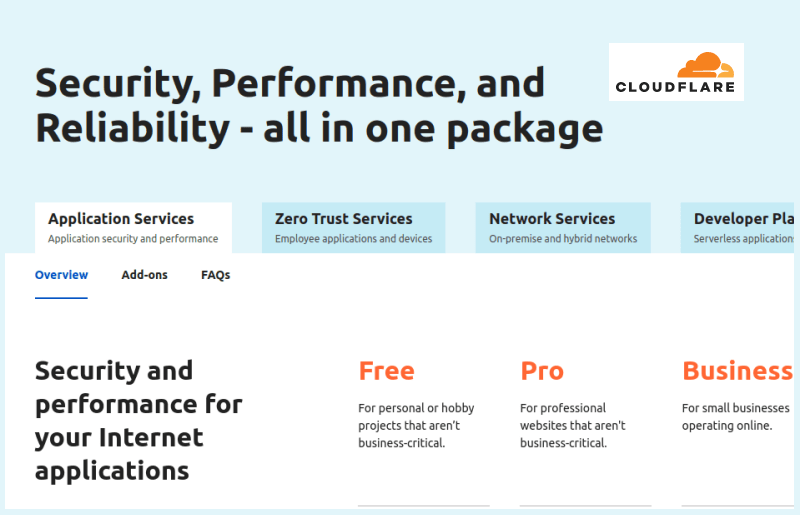
My experience (“review”) with the Cloudflare Pro tier service. How to configure it and does it provide extra security and website speed?
How to configure Cloudflare for the best WordPress performance and security? A step-by-step tutorial with screenshots.
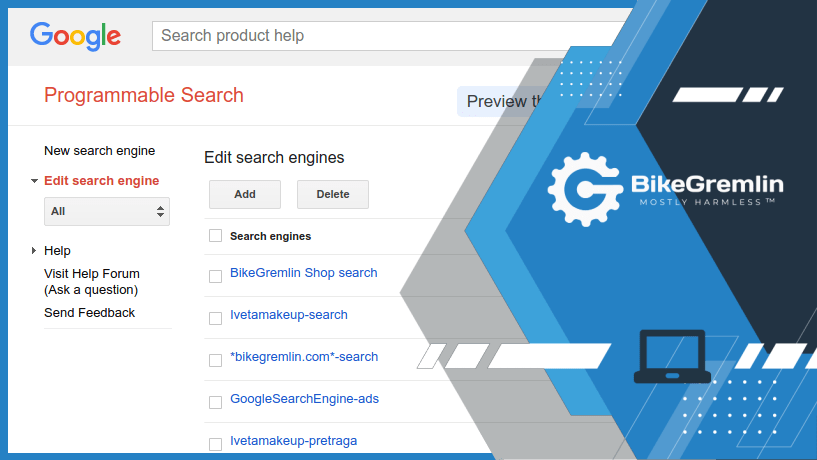
Step-by-step (“beginner-friendly”) instructions on how to add Google Programmable Search to a WordPress website.
Explanation of the custom codes, themes and plugins I’ve used to make my websites look and work nicely.
My usual initial WordPress website setup (configuration). Including the basic security, optimization, and plugin & theme choice
My experience with the Pro version of The SEO Framework (TSF). How to install it (the Extension Manager), configure it, and what its like, how good is it?
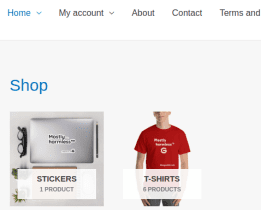
Step by step instructions on how to add WooCommerce product categories to WordPress main menu
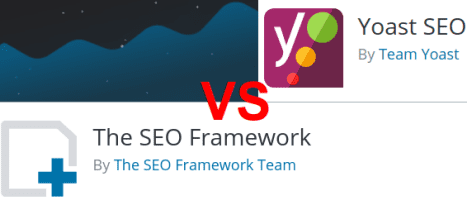
Comparison of two popular WordPress SEO plugins: The SEO Framework and Yoast SEO. How to migrate from one to the other and how do they compare.
What HTML and CSS are, what their structure is, how they are connected and how they can be used to create beautiful and functional web pages.

How to create and use a WordPress child theme. What are child themes good for and why they are useful. With some practical examples.
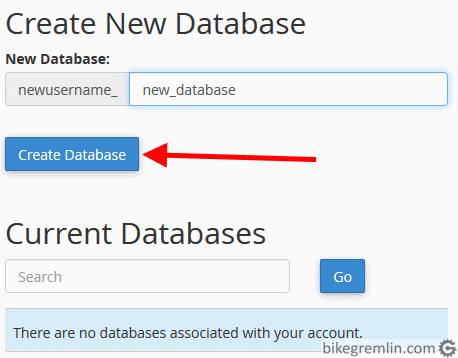
Website migration – moving a WordPress website to another hosting server. How did I do it? What to pay attention to? What can cause problems?
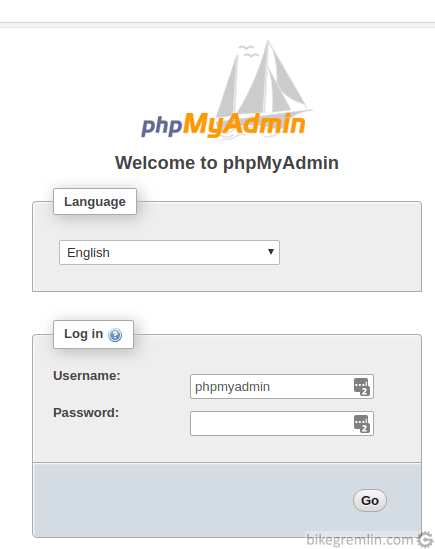
WordPress website backup – how to backup your website (in general and for WordPress websites). How often to do backup? How to save backups?

How to setup a WordPress website caching? Boils down to choosing and setting up a caching plugin. What plugins are there, which one did I choose?
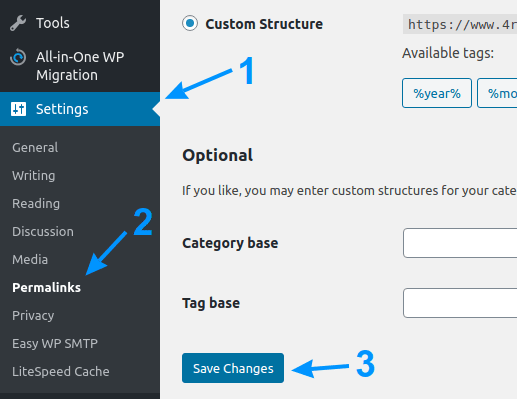
WordPress – permalink structure change and redirects. How to do it, what is the best option, what to look out for.
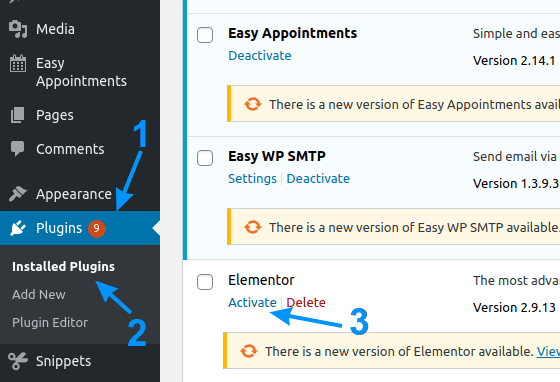
WordPress plugins – in terms of speed and stability. My experience, which plugins worked best for their intended use. Which can be problematic?