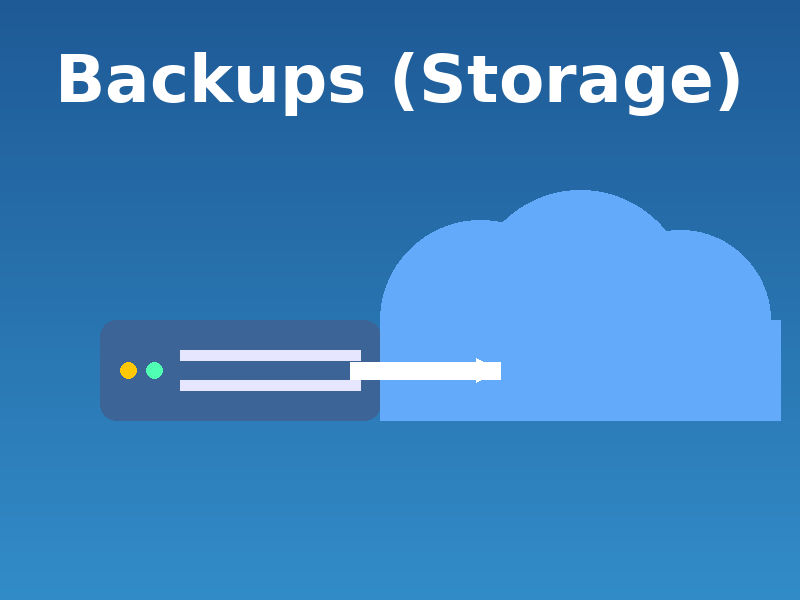
This is how I store and protect my data, both physically and in the cloud. Storage only matters when something fails – and everything fails eventually. The tools below have earned their place through reliability, redundancy, and real-world use.
Digression:
Why raid and cloud sync are not backups, and why one-is-none: Backups 101 – explained
This article is for my own reference (why I write articles like this), and for those who want my advice – there’s no more honest recommendation than what I actually use and pay for.
Since I’m publishing this online: these are my own experiences and opinions, based on what I’ve learned and tested. Nothing more, nothing less.
Articles in this series:
- My Hosting stack
Infrastructure – domain registration, DNS, website and email hosting. - My (backups) Storage stack
Storage – physical and cloud. - My OS & System Software stack
Computer-running – OS, drivers, security, diagnostics, and utilities. - My Application Software stack
Computer-using – writing, editing, playing media, and troubleshooting. - My Wordpress stack
Themes and plugins I use for making sites. - My Zettelkasten System (BikeGremlin Deathnotes)
Knowledge management system (“2nd brain”) - My PC Component Selection
Components I chose for my PC – and why
1. Physical storage
Goal:
Keeping my backups in a place where I can easily reach them, regardless of network connectivity.
Using:
Seagate IronWolf Pro 12 TB (Amazon.de affiliate link), and a HGST – WD Ultrastar 12 TB (model HUH721212ALE601 – Amazon.de affiliate link).
I am using one hard disk at home, and one at work, for local, physical backup storage. So, drives are a few kilometres apart, and both are of a high-quality. All the backed-up data is encrypted.
This keeps my data safe from drive malfunction, theft or even fire (if one fails, I have the other). For any keyboard warriors: I’ve been using this system since the 90s of the 20th century and it’s never failed – and yes, I am that old. 🙂
2. Cloud (online) storage
Goal:
Keep a spare remote backup copy of my data (in case of viruses, wars or natural disasters).
Using:
Hetzner Storage Box – as (S)FTP and automated backup storage.
Recently: Pcloud and Filen.io for additional backup copies, and file sharing (still haven’t been battle-tested).
I’ve been using Hetzner storage box for years and it has served me very reliably for automated hosting server backups, and for my PC backup sync using Rclone.
Pcloud and Filen.io are still in my first year of use, so it will take some time before I can truly recommend them (if they remain solid).
Conclusion
Two important notes:
- External drives are often low quality compared to 3.5″ NAS-class hard disks (which are also not as good as they used to be, sigh). They can just die without any warning.
- For cloud storage, check data integrity and download speed – so you don’t get unpleasantly surprised when you need to rely on it.
This article is for my own reference (why I write articles like this), and for those who want my advice – there’s no more honest recommendation than what I actually use and pay for.
Since I’m publishing this online: these are my own experiences and opinions, based on what I’ve learned and tested. Nothing more, nothing less.
Articles in this series:
- My Hosting stack
Infrastructure – domain registration, DNS, website and email hosting. - My (backups) Storage stack
Storage – physical and cloud. - My OS & System Software stack
Computer-running – OS, drivers, security, diagnostics, and utilities. - My Application Software stack
Computer-using – writing, editing, playing media, and troubleshooting. - My Wordpress stack
Themes and plugins I use for making sites. - My Zettelkasten System (BikeGremlin Deathnotes)
Knowledge management system (“2nd brain”) - My PC Component Selection
Components I chose for my PC – and why
Last updated:
Originally published:
